Good Portfolio Website Options for Small Businesses
 By MatrisAI8 min read
Compare MatrisAI and Portfoliobox for your business portfolio, with verified facts about presenting work, handling inquiries, and trial or free-plan terms.

For a small business, a good portfolio website makes selected work easy to browse and gives visitors a clear next step, such as contacting you. MatrisAI is our own product, and we wrote this comparison to help you weigh it alongside Portfoliobox using available facts rather than assumed features or prices.
Compare both options on the same practical criteria: how you create and edit the site, how you present work, how you receive inquiries, and what the trial or free-plan terms allow. The table distinguishes confirmed features from details you need to check. Product facts are as of 11/04/2026.
| Criterion | MatrisAI | Portfoliobox |
|---|---|---|
| Site creation, work presentation, and inquiries | Builds the site and writes its pages from your business description. You can edit text, photos, and the site's look from the admin. Collections can show work, listings, or projects. Contact-page messages arrive in an admin inbox. You can build extra forms, such as quote request forms. | Not published |
| Trial or free-plan terms | Every plan starts with a free trial before the first payment. | As of 11/04/2026, Portfoliobox says its free plan has no time limit. Source: Portfoliobox examples page. As of 11/04/2026, Portfoliobox says its free plan requires no credit card. Source: Portfoliobox examples page. |
In this article (7)
What Makes a Good Portfolio Website for a Small Business?
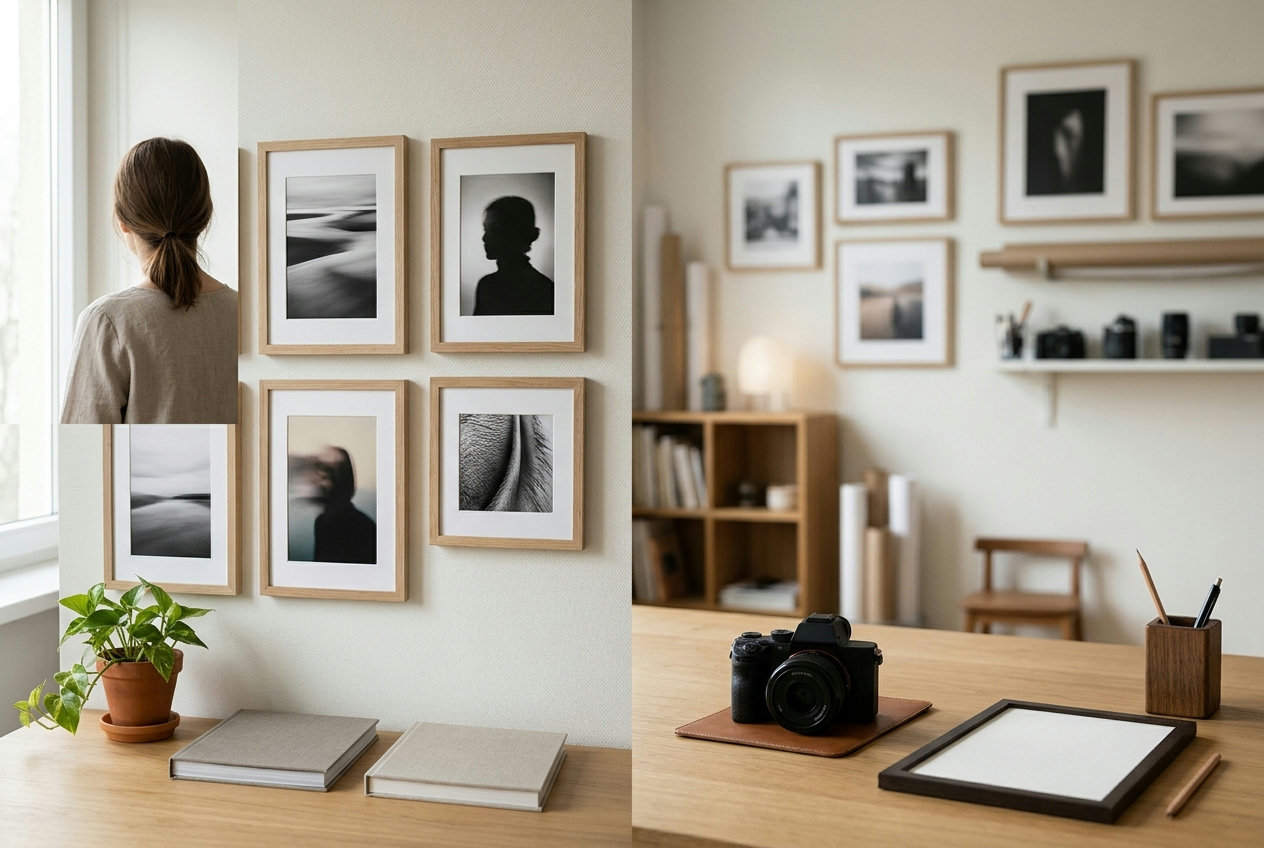
A portfolio is more than a gallery. It should help a potential client quickly see what you do, whether your work suits their needs, and how to get in touch. A photographer might organize work by shoot type, while an illustrator could group projects by subject or style. A designer or developer may need room to explain the problem, their approach, and the finished work.
Use these criteria to judge whether a portfolio is working for your business:
- Visual impact: Choose images and project selections that make the nature and quality of your work clear. Keep the presentation consistent enough that visitors can focus on the work.
- Easy navigation: Give visitors understandable labels and a straightforward route from the landing page to relevant projects and contact information.
- Mobile presentation: Check your pages on a phone. Look at image cropping, text size, spacing, and whether the contact action is easy to find.
- Useful project context: A short case study or description can explain the client's need, your contribution, and what a visitor is seeing. Include only details you can accurately share.
- A clear next step: Decide whether you want visitors to ask for a quote, discuss a project, or make another inquiry, then make that action visible.
Client feedback, where you have permission to share it, and a bit of personal context can help visitors understand how you work. They should support the work itself, not compete with it. A distinctive visual style is useful when it fits your audience and makes the portfolio easier to remember, not when it makes basic information harder to find.
How to Compare Portfolio Website Options
Start with the work you need to show and the audience you want to reach. A photographer may prioritize large, well-organized image collections. An artist may want space for varied projects and short descriptions. A developer or web designer may need to explain process and project decisions as well as display finished work. These are goals to compare against, not assumptions about what a particular product includes.
Next, examine customization. Some owners want a consistent page structure; others need different kinds of project pages. If page-level layouts or templates matter to you, verify that specific point in the current product information rather than inferring it from a sample design or a product category.
Finally, compare plans and costs carefully. Look for the starting price, what each plan includes, any recurring fees, and the terms that matter to your business. The supplied product information here does not establish a directly comparable set of prices, templates, or plan features for both options. Use the MatrisAI pricing page for its current plan information, and check Portfoliobox's current pages for its terms.
Portfoliobox
As of 11/04/2026, Portfoliobox says its free plan has no time limit. This may make it a better fit for an owner who prioritizes evaluating a free plan without a time limit. Source: Portfoliobox examples page.
As of 11/04/2026, Portfoliobox says its free plan requires no credit card. This may suit an owner who does not want to provide card details to try a product. Source: Portfoliobox examples page.
For site creation and editing, work presentation, and inquiry handling, check Portfoliobox's current pages. The verified claims here do not establish those features, paid-plan prices, templates, or page-level layout options. Treat these as details to verify, not as missing features.
MatrisAI
MatrisAI is a business website option for owners who want to describe their business in their own words and have the site built from that description. MatrisAI also writes website pages from the description. For a portfolio, the collections feature can show work, listings, or projects on the site, while the owner can later change the site's text, photos, and look from the admin.
Use these steps to assess and set up a portfolio with MatrisAI:
- Describe your business and the work you want visitors to understand in your own words.
- While the design is being finished, start working in the admin.
- Review and edit the site text, photos, and look from the admin.
- Use collections to present work, listings, or projects in a way that reflects your business.
- Consider the inquiry path: contact-page messages land in an admin inbox, and you can build extra forms such as quote request forms.
- Review the remaining business details that matter to you, including using your own domain. Every plan starts with a free trial before the first payment, and a plan can be cancelled at any time from the billing page.
These confirmed details may make MatrisAI worth considering if you want a portfolio alongside a broader business website. The supplied facts do not specify portfolio templates or different layouts for individual pages, so check whether the available presentation fits your work before choosing. You can review current plan details on the pricing page.
Pros
- The site and its pages are built from the owner's description of the business.
- Collections can show work, listings, or projects, and the owner can edit text, photos, and the site's look from the admin.
- Contact-page messages arrive in an admin inbox, and the owner can build extra forms such as quote request forms.
Points to check
- The supplied facts do not specify portfolio templates or whether different pages can use different layouts. Confirm that the presentation suits your needs.
- Compare the current plan details with your requirements before choosing.
Portfolio Website Examples by Creative Field
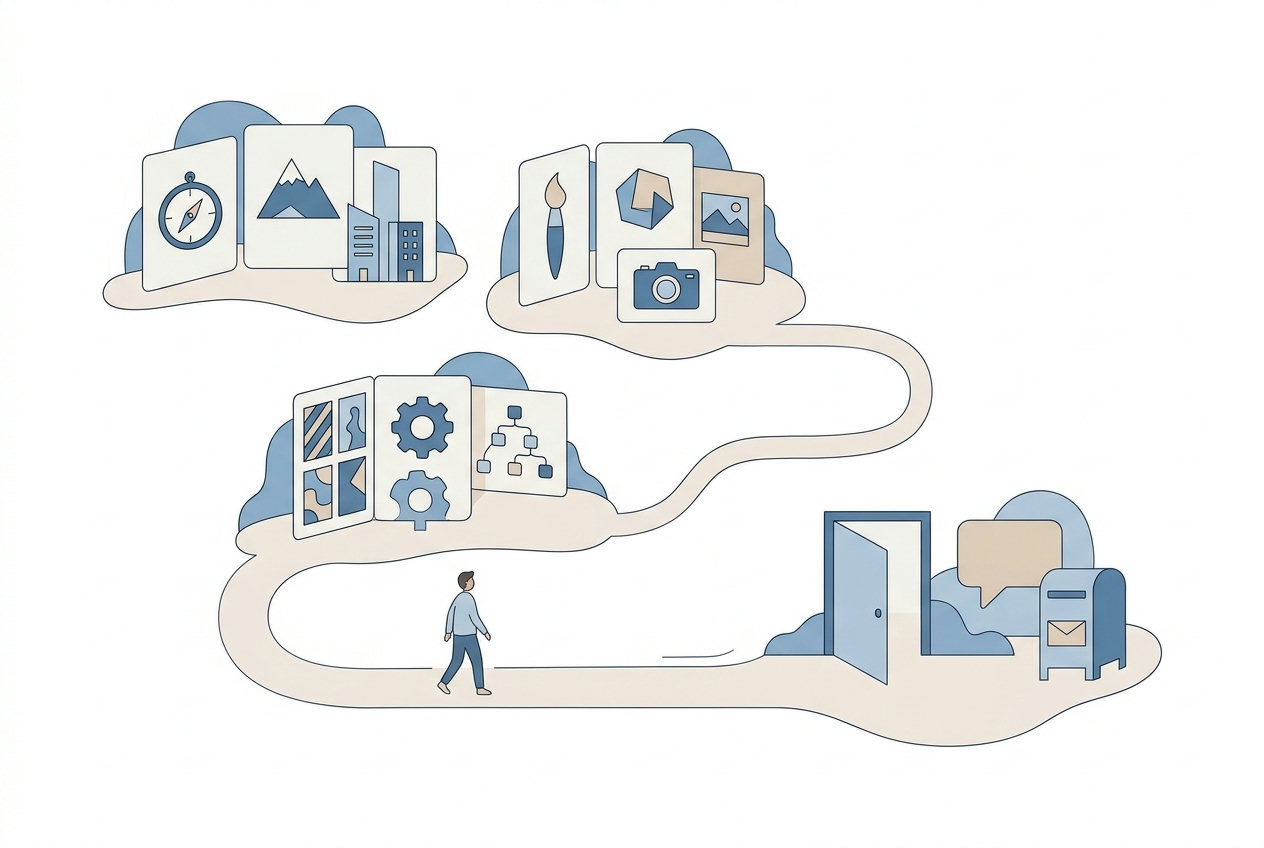
Use examples as prompts for decisions, not as templates you must copy. The right structure depends on the work and the questions a prospective client is likely to have.
- Photography: Group images into meaningful sets, such as portraits, events, or product work. Keep captions and project details useful, and consider how a visitor moves from a gallery to an inquiry.
- Art and illustration: Organize by medium, subject, series, or commission type when that helps visitors understand the range of your work. Short descriptions can give context without turning each page into a long essay.
- Design: Show selected outcomes and explain the brief or your role where it helps a potential client assess fit. Keep project summaries specific and accurate.
- Modeling and other visual services: Present work in a clear order, with information that helps the intended audience understand what you offer and how to contact you.
- Web design and development: A minimal layout can keep attention on projects, while interactive elements or case studies may help explain a process. Choose only the presentation that makes your work clearer to your target clients.
Across creative fields, visual originality should work with the basics: a visitor can find relevant work, understand what you offer, and see a sensible next step. The best inspiration is the example that helps you make those decisions for your own audience, not simply the one with the most unusual effects.

How to Choose the Right Portfolio Website
Make the choice against a short list of business needs. Start with the types of work you want to show, then identify the clients you want to reach and what you want them to do after viewing a project. That gives you a practical basis for comparing products rather than choosing by appearance alone.
- Can visitors find the work most relevant to them without unnecessary clicks?
- Can the site explain your offer and your part in each project clearly?
- Does the presentation work on the phones and devices your visitors use?
- Is there a clear contact action or inquiry route?
- Are the templates, layouts, plan details, and costs you need confirmed on current product pages?
For MatrisAI, consider whether building a business website from your description, presenting work through collections, and editing text, photos, and the site's look from the admin match your priorities. For Portfoliobox, use the sourced free-plan terms above as a starting point, then check its current pages for your design, editing, and inquiry requirements. Either way, choose a design and structure that support your business rather than distract from it.
Portfolio Website Questions
What makes a good portfolio website?
It presents relevant work clearly, is easy to navigate, and gives visitors a useful next step such as contacting the business.
How do I choose a portfolio website for my small business?
Compare how each option fits your work, audience, customization needs, contact path, and verified plan terms.
What should a photography portfolio website include?
Organized work samples, useful project context, a presentation that works on phones, and a clear way to inquire are good points to consider.
Can a portfolio website use different templates on different pages?
The supplied product information does not establish page-level template flexibility. Check each product's current pages for that specific detail.
How can a portfolio website help attract clients?
It can make it easier for prospective clients to review relevant work, understand your offer, and find a contact path.
Your business website, online in a few minutes.
Tell us what you do. We write the rest.
3 days free, then from €10 a month. Cancel any time.
Related articles
Email Marketing for Restaurants: A Practical Guide
Build a permission-based restaurant email list, plan useful campaigns, and choose tools around your actual workflow.
Restaurant Online Ordering Options Compared
Compare six options for restaurant ordering using costs, menu control, delivery setup and fit with your existing workflow.
Medical Scheduling Software: Compare Five Options
Compare medical scheduling software by workflow needs, verified product details, and what to test before choosing.