How to Choose a Restaurant Bookings Website
 By MatrisAI7 min read
Compare your own restaurant website with discovery platforms, then use a practical checklist to assess the reservation journey.
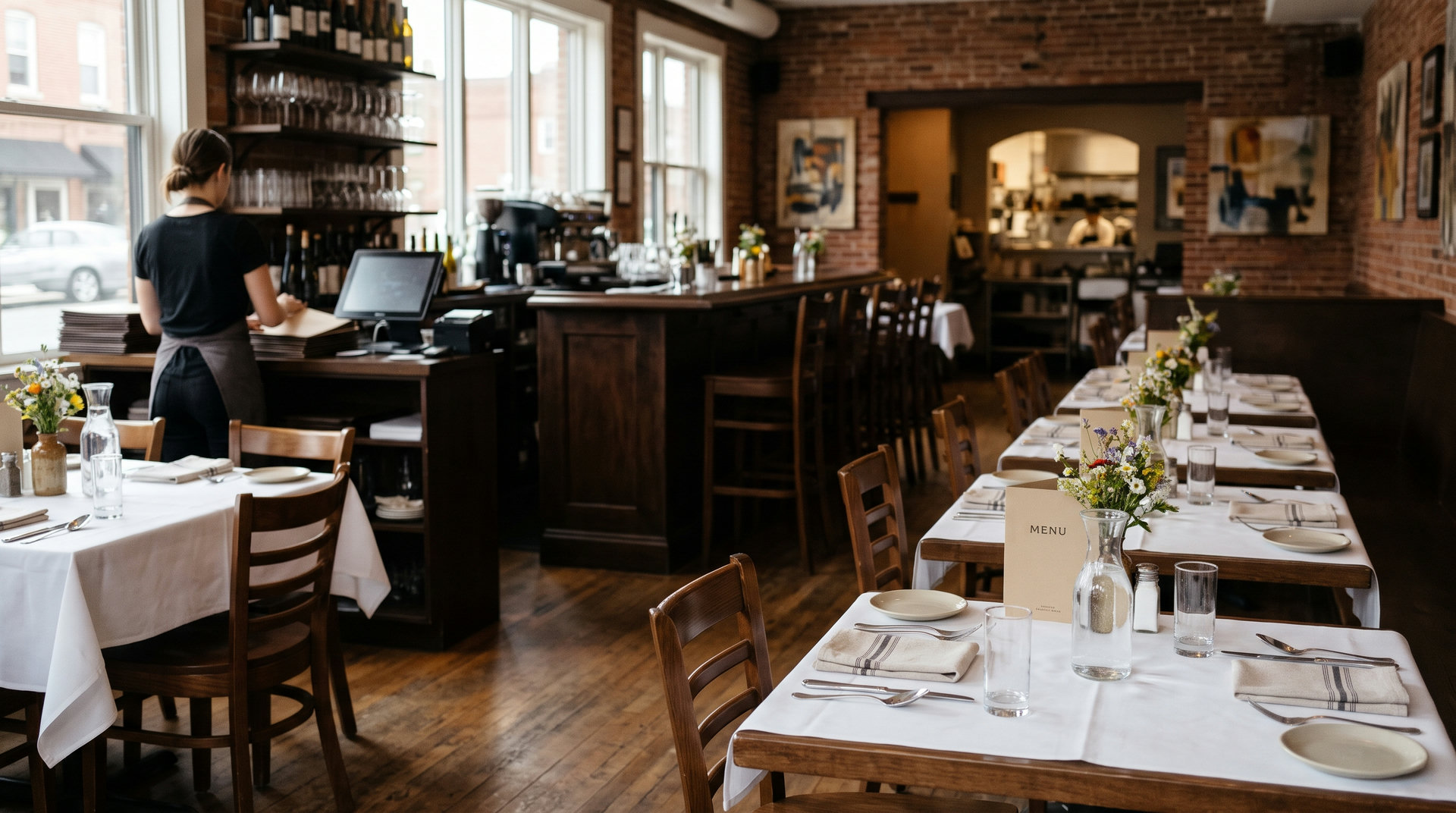
A restaurant bookings website lets diners learn about a restaurant and find a route to reserve a table. That route might be on the restaurant’s own website or through a restaurant-discovery platform, so choose based on how diners find you and how your team handles reservations.
Think about the whole path: discovery, checking the details, and reaching the reservation option.
In this article (9)
- What is a restaurant bookings website?
- Choose between your own website and a booking platform
- What to look for in a restaurant booking website
- How to set up online restaurant bookings
- How restaurant discovery pages help diners find places to book
- Common booking website problems to avoid
- A quick checklist for choosing a restaurant booking website
- How to set up restaurant reservations with MatrisAI
- Restaurant booking website questions
What is a restaurant bookings website?
A restaurant bookings website is a website that helps a diner understand a restaurant and reach a way to reserve a table. It can be the restaurant’s own site, which focuses on that one business, or a listing page that presents multiple restaurants together.
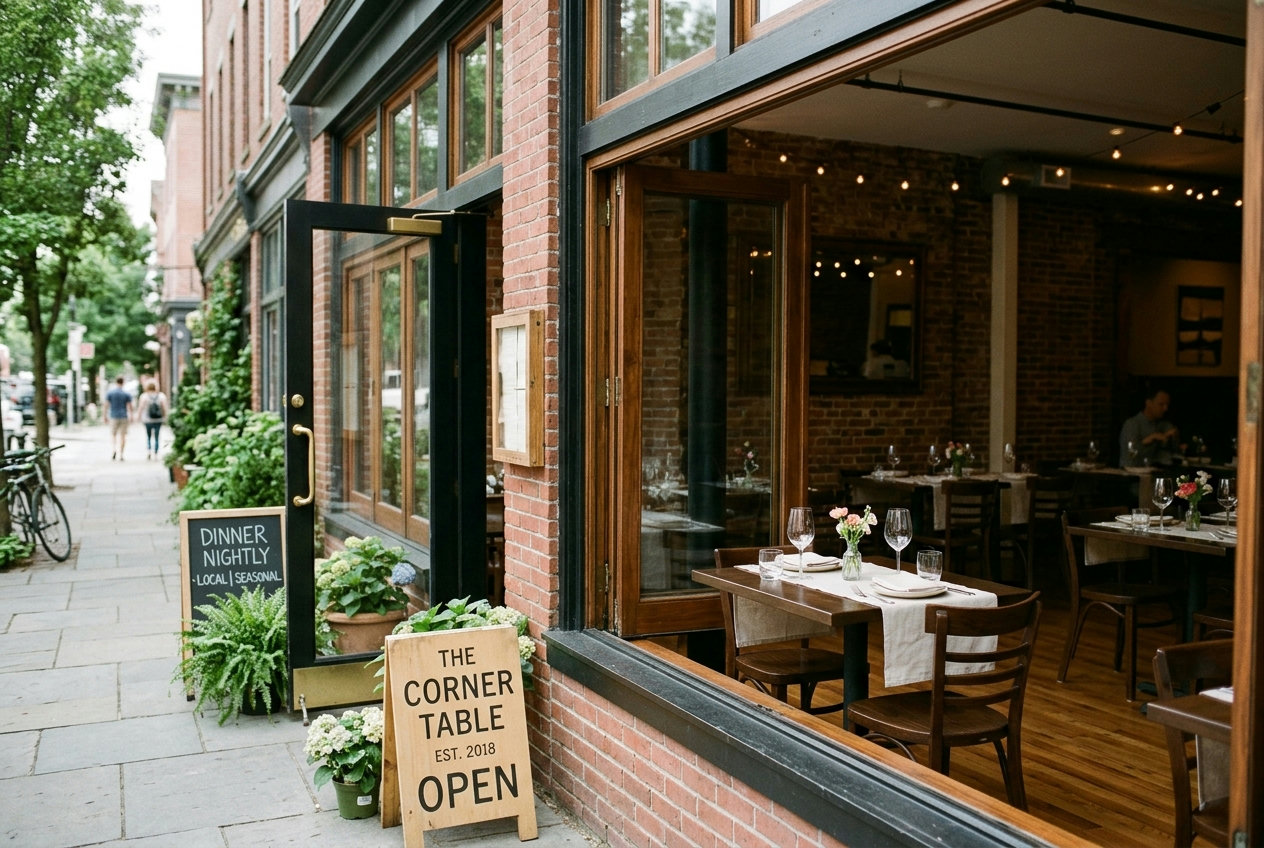
City and neighborhood restaurant-listing pages are examples of the discovery-platform model. A diner can browse restaurants in a place or area, then choose where to learn more or make a reservation. The restaurant’s own website has a different job: it gives the business a place to present its food, location, opening information, and reservation option in its own context.
Choose between your own website and a booking platform
Use each route for the role it serves
A discovery platform can give diners a way to browse a set of restaurants by location. It may suit diners who are still deciding where to go. A restaurant’s own website is useful when someone wants information directly from the restaurant, such as what it serves, where it is, or how to reserve.
These approaches do not have to be treated as an either-or choice. Consider where your diners usually begin, and where you want them to complete a reservation. If people arrive through a listing, make the next step clear. If they come directly to your site, make the reservation option easy to spot there.
Decide what your team needs to manage
Before choosing a route, consider how reservations arrive and how staff keep track of available seats. Ask whether the process fits your opening hours, seating capacity, and the way your team handles reservations made in person or by phone. A polished listing is not a substitute for a clear process once a reservation reaches the restaurant.
What to look for in a restaurant booking website
Check the details before the booking step
A diner should be able to identify the restaurant, understand its offering, and find practical details before deciding whether to reserve. Check that the location and opening information are accurate and that the reservation option is visible without hunting through unrelated pages. If booking conditions or policies matter to your restaurant, explain them clearly before a diner commits to a time.
Review the journey on a phone
Open the site on a phone and follow the same path a diner would take. Can you find the restaurant’s details, locate the reservation option, and understand what to do next? Look for confusing labels, links that are difficult to tap, or a route that sends diners somewhere unexpected. Check that the layout remains understandable on a small screen.
Match the booking experience to the restaurant
Consider whether the available reservation times suit your seating and opening hours. Also ask how staff will handle reservations made outside the online route. If the digital process and the team’s day-to-day process do not fit together, staff may need a clear routine for keeping the information aligned.
How to set up online restaurant bookings
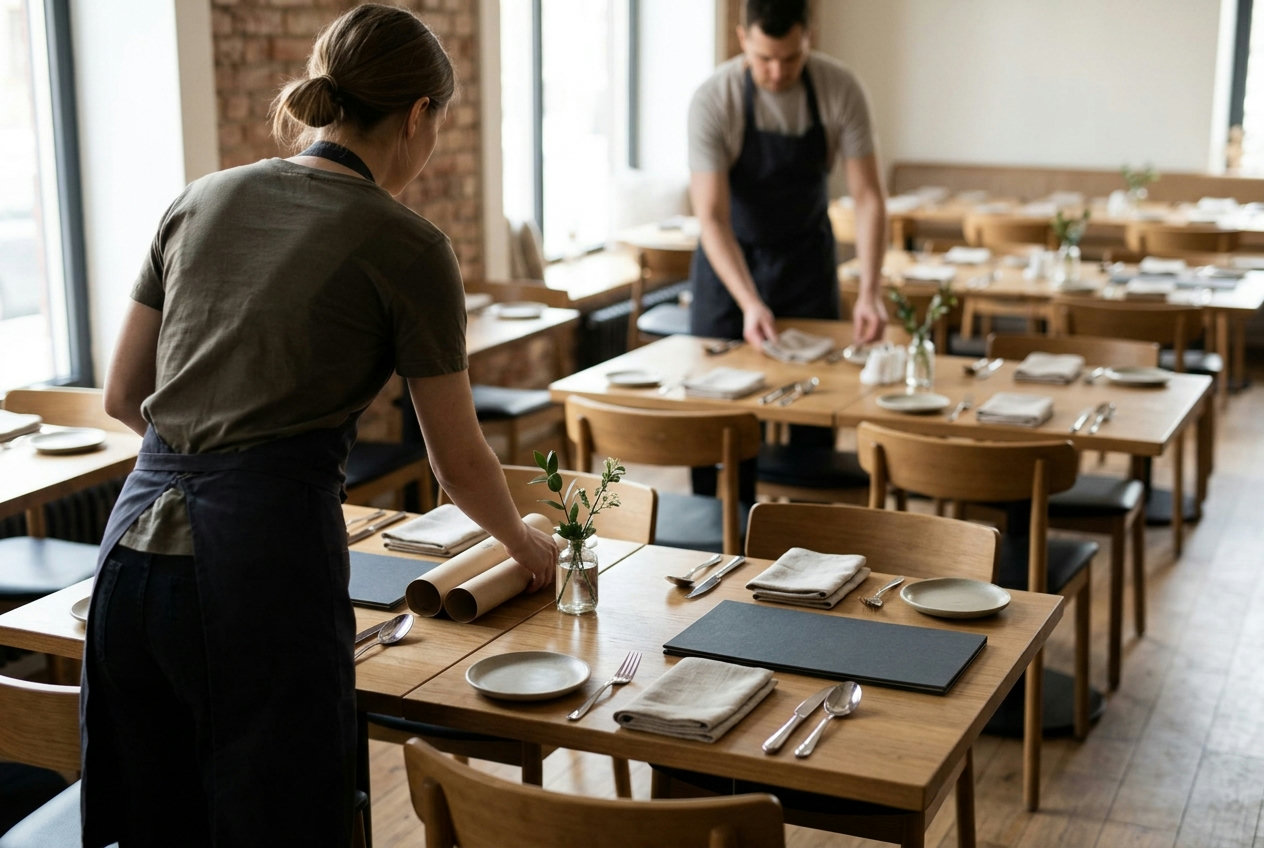
- Choose the route. Decide whether diners will reserve through your own website, a discovery platform, or both.
- Check the restaurant information. Confirm the address, opening information, and any booking guidance you want diners to see.
- Place the reservation option where it is easy to find. Use a clear label and check that it leads to the intended booking step.
- Test as a diner. Use a phone and a computer to follow the path from the restaurant’s main page to the reservation step.
- Agree on a staff routine. Make sure the team knows how to handle incoming reservations and keep track of bookings taken by phone or at the door.
- Review after changes. Recheck the journey when your hours, seating arrangements, or booking policies change.
Keep the test practical. Ask someone who did not set up the page to find the booking option and explain what they expect to happen next. Their questions can reveal unclear wording or missing details.
How restaurant discovery pages help diners find places to book
Discovery pages organize restaurant names by a city, neighborhood, or other location. That gives diners a way to browse several options in one place, particularly when they have not chosen a restaurant yet. Listings can be one step in discovery, rather than the only place a diner needs to look.
A restaurant’s own web presence can help someone understand the business before moving to a reservation. Make the route from a listing to your own information clear where you maintain a listing, and make the reservation path clear on your site. Check both routes periodically so details and expectations agree.
Common booking website problems to avoid
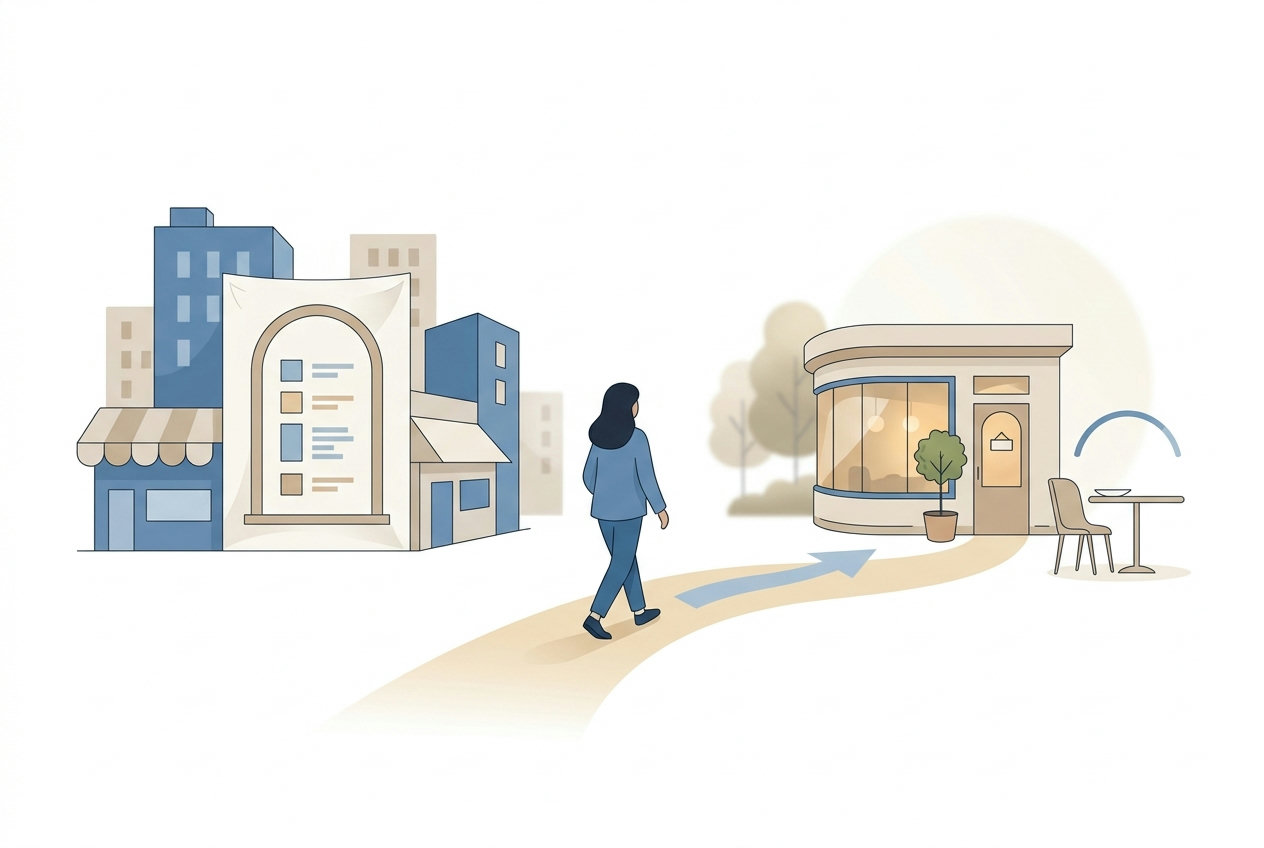
- A hard-to-find booking link: put the reservation option in a visible place and use wording diners understand.
- Outdated restaurant details: review the location and opening information after changes.
- An unclear next step: test the route so diners can tell where to go to reserve.
- Conflicting expectations: explain relevant booking conditions before the reservation step.
- A disconnected staff process: decide how phone and in-person reservations fit with online availability.
A quick checklist for choosing a restaurant booking website
Use this checklist to compare the options you are considering. The right fit depends on how diners find your restaurant and how your staff manage reservations.
- Can diners identify the restaurant and understand its offering?
- Are the location and opening information clear and current?
- Can diners find the reservation option without searching through the site?
- Does the mobile journey make the next step understandable?
- Do reservation times suit the restaurant’s seats and opening hours?
- Do staff know how to handle reservations taken online, by phone, or at the door?
- Have you tested the journey as a diner recently?
How to set up restaurant reservations with MatrisAI
MatrisAI builds a restaurant site from the owner’s description of the business. For reservations, the restaurant can switch on table reservations, with guests seeing times allowed by the restaurant’s seats and opening hours. Reservations taken by phone or at the door go into the same list and count against the seats.
- Describe the restaurant. Explain the business in your own words so MatrisAI can build the site from that description.
- Start with the admin. You can begin working in the admin while the site design is being finished.
- Review and edit the site. Change the text, photos, and look from the admin to keep the details aligned with the restaurant.
- Switch on table reservations. Check that the available times reflect the restaurant’s seats and opening hours.
- Bring staff-taken reservations into the same list. Add reservations taken by phone or at the door so they count against the seats.
- Test the diner journey. Visit the site on a phone and check that the restaurant information and reservation route are clear.
MatrisAI also supports an online menu with photos, prices, and dish allergens. A dish can be marked sold out, which stops the site from taking orders for it. Review MatrisAI pricing to compare the available plans.
Restaurant booking website questions
What is a restaurant bookings website?
It is a website that helps diners learn about a restaurant and find a route to reserve a table, either directly or through a discovery platform.
Should a restaurant take reservations on its own website or through a booking platform?
Consider where diners discover the restaurant and where your team can manage reservations clearly. Some restaurants use both routes.
What should a restaurant booking website include?
Clear restaurant details, current location and opening information, an easy-to-find reservation option, and a booking process that works on mobile.
How do restaurant discovery websites help diners find places to book?
They organize restaurant listings by places such as cities or neighborhoods, letting diners browse several options.
How can a restaurant owner test an online booking process?
Follow the journey on a phone and computer, from the restaurant information to the reservation step, and check that the next action is clear.
Your restaurant, online in a few minutes.
Tell us its name. We do the rest.
3 days free, then from €10 a month. Cancel any time.
Related articles
Email Marketing for Restaurants: A Practical Guide
Build a permission-based restaurant email list, plan useful campaigns, and choose tools around your actual workflow.
Restaurant Online Ordering Options Compared
Compare six options for restaurant ordering using costs, menu control, delivery setup and fit with your existing workflow.
Medical Scheduling Software: Compare Five Options
Compare medical scheduling software by workflow needs, verified product details, and what to test before choosing.