How to Choose an Online Ordering System for a Restaurant
 By MatrisAI8 min read
Compare direct ordering with marketplaces, check the real costs, and use a practical checklist to prepare your restaurant’s ordering channel.
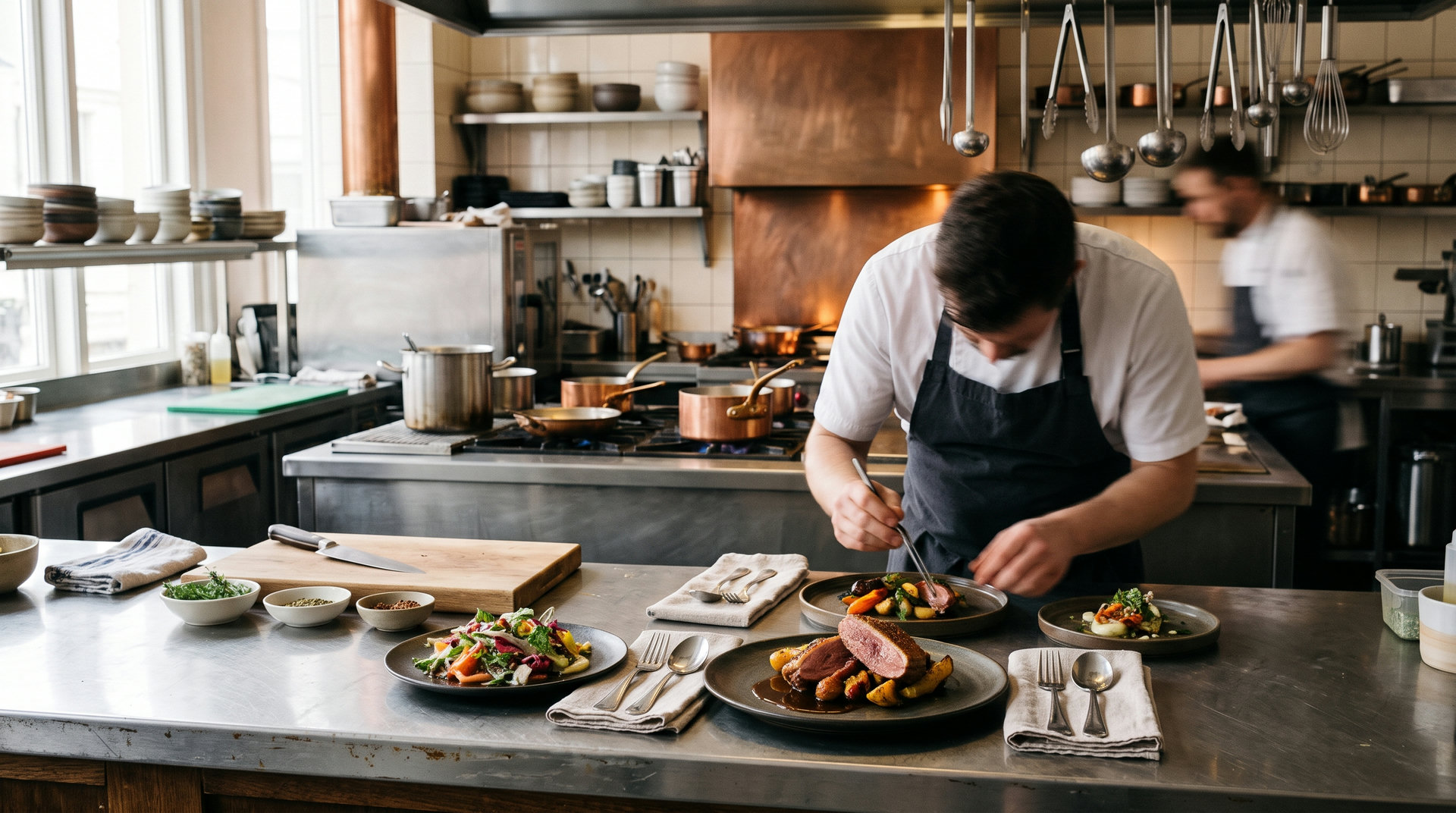
An online ordering system for a restaurant lets diners view a menu, choose pickup or delivery, and submit an order online. Choose a setup that fits your service model, payment options, and kitchen routine, not just its advertised price.
Use the sections below to decide what your restaurant needs, what to compare, and how to prepare for launch.
In this article (7)
- What an online ordering system does for a restaurant
- Direct ordering or third-party marketplace: which fits your restaurant?
- Features to evaluate before choosing a platform
- Compare the full cost per order
- How to set up online ordering for your restaurant
- Promote the ordering channel and improve it over time
- Frequently asked questions
What an online ordering system does for a restaurant
With online ordering, diners browse a menu, choose items, and submit an order through a website or ordering service. Depending on the system and the restaurant’s settings, they may pay online or when collecting an order. Pickup and delivery are common fulfillment choices, but delivery areas and hours need to be defined clearly.
After checkout, the restaurant needs a reliable way to see the order, prepare it, and mark its status. Some systems send orders into an existing kitchen workflow; others provide an order screen of their own. Confirm how a platform handles this handoff before you choose it. Do not assume it connects to your current register or kitchen equipment.
Direct ordering means the diner orders through a channel operated by the restaurant, such as its own website. A third-party marketplace hosts listings from multiple businesses and provides a separate ordering channel. These approaches can sit alongside each other, but they differ in branding, fees, fulfillment arrangements, and how diners encounter the restaurant.

Direct ordering or third-party marketplace: which fits your restaurant?
A marketplace may provide a place where diners browse several restaurants. The restaurant’s own ordering channel gives it a branded place to present its menu and explain its service. Neither channel is automatically right for every operation. Consider how diners currently discover your business, how much control you need over the ordering experience, and who will manage fulfillment.
Use these questions to narrow the choice:
- How do people find you now? If marketplace browsing is important to your current routine, consider how you will maintain that presence while building a direct channel.
- Who handles delivery? Decide whether your team delivers, diners collect orders, or another arrangement applies. Check the relevant costs and responsibilities for each.
- What does your team need to control? Your own site can present your menu, photos, and policies in your chosen format. A marketplace has its own listing and ordering environment.
- Can your service handle online demand? Match ordering hours, delivery zones, preparation capacity, and staff coverage to the way the kitchen operates.
A small team with a pickup-first service may start by prioritizing a clear menu and a simple handoff to the kitchen. A restaurant that relies on marketplace discovery may prefer to keep that channel while assessing whether a direct option fits its regular customers and operations. Compare the work and costs of both channels rather than choosing based on size alone.

Features to evaluate before choosing a platform
Begin with the menu. Check whether the system can show the details diners need, including item names, descriptions, photos, prices, and allergen information. Ask how staff update availability when an item sells out, and how changes appear to diners. Menu maintenance should fit the pace of your kitchen.
Then examine how orders move from checkout to fulfillment. Ask what the staff see, how they distinguish new orders from those being prepared, and how an order is marked ready. If you rely on a register or particular kitchen equipment, confirm compatibility directly with the provider. MatrisAI’s listed restaurant capabilities include an order screen in the admin; the product information here does not specify a connection to an existing register.
Review payment and service settings, too. Does the setup allow the payment choices you want? Can you define pickup and delivery details, including delivery areas and ordering times? If you take reservations as well as orders, check whether those activities need separate tools. Consider phone usability, support arrangements, data handling, and the process for making routine changes. Get clear answers before committing.
Compare the full cost per order
A subscription price is only one part of the cost comparison. Check for setup charges, payment processing charges, marketplace commissions, delivery costs, and any other recurring or per-order fees that apply to your setup. Ask which party collects each charge and whether the amount varies by payment method or fulfillment choice.
For a simple comparison, list each cost and the conditions that trigger it. Then apply those costs to an order scenario that resembles your normal service. For a hypothetical plan priced at $10, put that amount in the recurring-cost column, then add the payment and fulfillment charges disclosed for your situation. This illustrates a comparison method, not a published MatrisAI price or a total cost quote. Check the MatrisAI pricing information and confirm any charges that depend on your payment provider or delivery arrangement.
| Cost to check | Question to ask |
|---|---|
| Plan or subscription | What is charged on a recurring basis, and what does the plan cover? |
| Payment processing | What does the payment provider charge for the methods you accept? |
| Marketplace | Are there listing, commission, or order-related charges? |
| Fulfillment | Who provides delivery, and what costs or staffing does it require? |
| Setup and ongoing work | Will setup, menu updates, or order handling require paid labor? |
Compare the same order value and service assumptions across options. Include the hours your team spends managing orders, not just the fees on an invoice. If a cost is unclear, request an explanation in writing before you decide.
How to set up online ordering for your restaurant
Use this sequence to prepare your service. The first steps reflect MatrisAI’s stated restaurant capabilities; the final checks are practical launch tasks for any ordering channel.
- Describe the restaurant. With MatrisAI, the owner describes the business in their own words, and MatrisAI builds the site from that description.
- Start preparing while the design is underway. The owner can work in the admin while the design is still being finished. Organize menu details, photos, prices, and allergen information.
- Review and edit the site. The owner can change the text, photos, and look of the site afterwards from the admin. Check that the menu and service details are accurate.
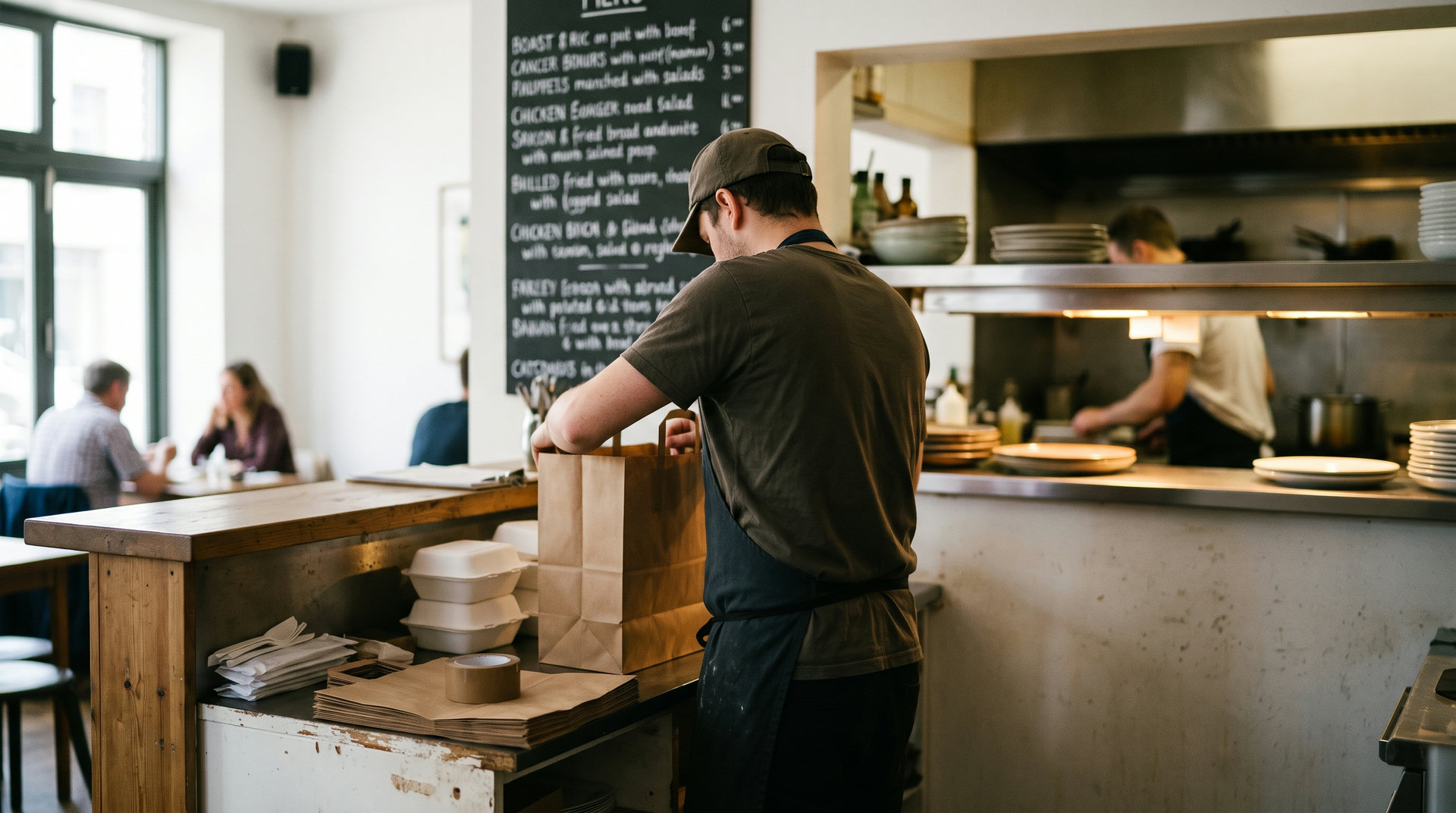
- Set up menu availability and fulfillment. MatrisAI lets the restaurant mark a dish sold out, after which the site stops taking orders for it. Customers can order for pickup or delivery in the area the restaurant sets, now or for later.
- Choose payment and kitchen handling. Customers can pay by card online, or pay on pickup or delivery when the restaurant allows it. Every order appears on a kitchen screen in the admin, with status from new to ready.
- Check the customer journey. Review the menu, ordering hours, pickup instructions, delivery area, and payment choices. Before sharing the link, confirm your staff know where orders appear and who is responsible for each step.
MatrisAI also lets a restaurant switch on table reservations. Guests see times allowed by the restaurant’s seats and opening hours, and phone or door reservations go into the same list and count against the seats. If reservations are part of your service, decide how staff will keep that list current.
Every MatrisAI plan starts with a free trial before the first payment, and no card is asked for to sign up or start the trial. The business can use its own domain name on every plan. Card payments go to the business’s own Stripe account, which pays out to its bank. A plan can be canceled at any time from the billing page. Read the details on the MatrisAI restaurant product page before deciding whether it fits your workflow.
Promote the ordering channel and improve it over time
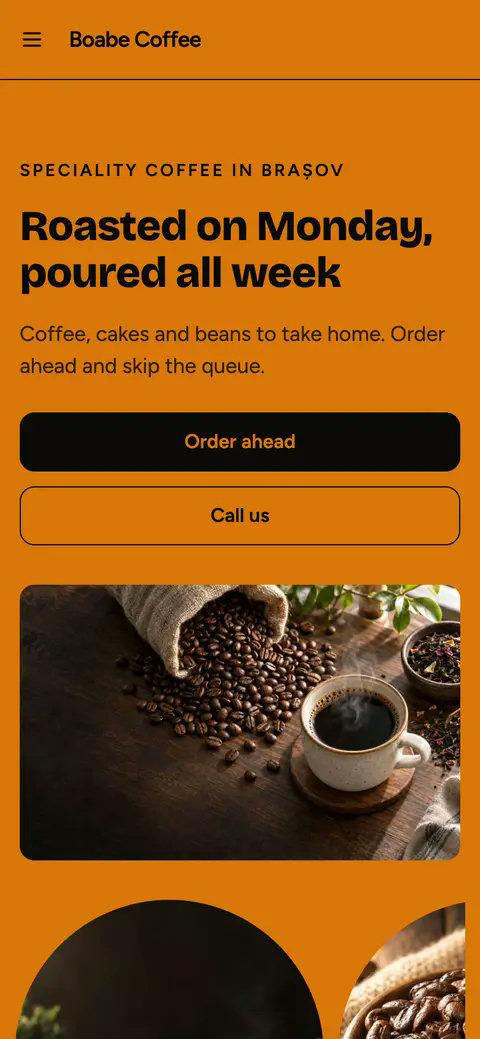
Once the channel is ready, make it easy to find on your restaurant website and customer-facing materials. Keep the wording clear: explain whether diners can collect, whether delivery is available in their area, and when orders can be placed. Check that the information stays consistent wherever you share it.
After launch, set a regular review time. Look at order volume, questions or problems diners raise, and any points where staff have to pause or repeat work. Note whether menu updates are being made promptly and whether the stated pickup or delivery details match what the team can provide. Change one part at a time, then review whether the adjustment made the process clearer.
If you use advertising, MatrisAI can carry Meta, Google, and TikTok tracking from the Grow plan so the business can measure its own ads. Decide what you want to measure and review the results through your own advertising accounts. Tracking does not replace a clear menu or a workable kitchen process.
Use this checklist for your next review:
- The menu, prices, photos, and allergen details are current.
- Sold-out items are marked unavailable.
- Pickup details and delivery areas match what the restaurant can provide.
- Staff know where new orders appear and how they are marked ready.
- Payment and fulfillment costs have been checked against actual terms.
- Customer questions and workflow snags have an owner and a follow-up date.
The goal is a channel that fits the restaurant’s service and gives staff a clear routine for handling each order. Revisit the setup as the menu, team, and fulfillment model change.
Frequently asked questions
What is an online ordering system for a restaurant?
It lets diners view a restaurant’s menu and submit orders online, often choosing pickup or delivery and an available payment method.
How does online ordering work for restaurants?
Diners choose menu items and submit an order. Restaurant staff receive it through the system, prepare it, and complete pickup or delivery according to the restaurant’s settings.
How much does an online ordering system cost?
Costs depend on the plan and any payment, marketplace, setup, or fulfillment charges. Compare the terms that apply to your service and expected order mix.
Can an online ordering system integrate with my POS?
That depends on the provider. Ask specifically about compatibility with your register and kitchen workflow before choosing. MatrisAI’s stated restaurant capabilities include an order screen in the admin.
Should my restaurant use direct ordering or a third-party app?
Compare how diners discover your restaurant, the control you need over your menu and channel, the fees, and who handles fulfillment. Your operation may use one channel or both.
Your restaurant, online in a few minutes.
Tell us its name. We do the rest.
3 days free, then from €10 a month. Cancel any time.
Related articles
Email Marketing for Restaurants: A Practical Guide
Build a permission-based restaurant email list, plan useful campaigns, and choose tools around your actual workflow.
Restaurant Online Ordering Options Compared
Compare six options for restaurant ordering using costs, menu control, delivery setup and fit with your existing workflow.
Medical Scheduling Software: Compare Five Options
Compare medical scheduling software by workflow needs, verified product details, and what to test before choosing.