Restaurant Websites: MatrisAI and 5 Themes Compared
 By MatrisAI8 min read
Compare six restaurant website options by menu, reservations, ordering, editing, and the product details each source actually publishes.
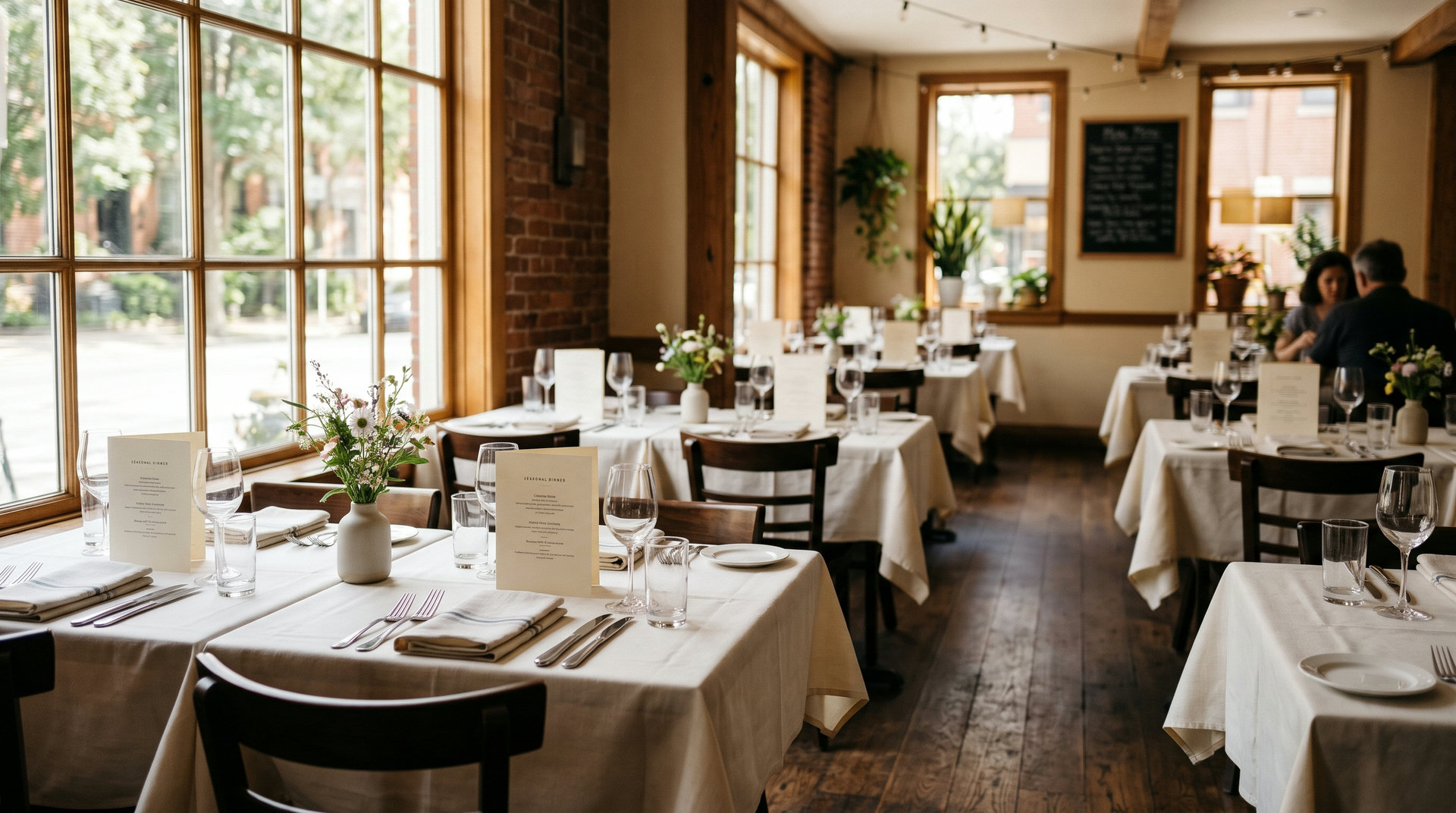
When comparing restaurant website options, look beyond appearance: check menu updates, reservations, online ordering, editing, and costs. MatrisAI is our product, and we wrote this list. We compare it with five themes, not five equivalent services. Competitor facts are as of 11/25/2026.
For every option, use the same criteria: editing, menu upkeep, reservations, ordering, mobile usability, and cost. The table records only documented features relevant to those criteria. A missing detail is not evidence that a feature is absent, and a page template is not proof of a working reservation or ordering system.
In this article (9)
What to Compare in a Restaurant Website Theme
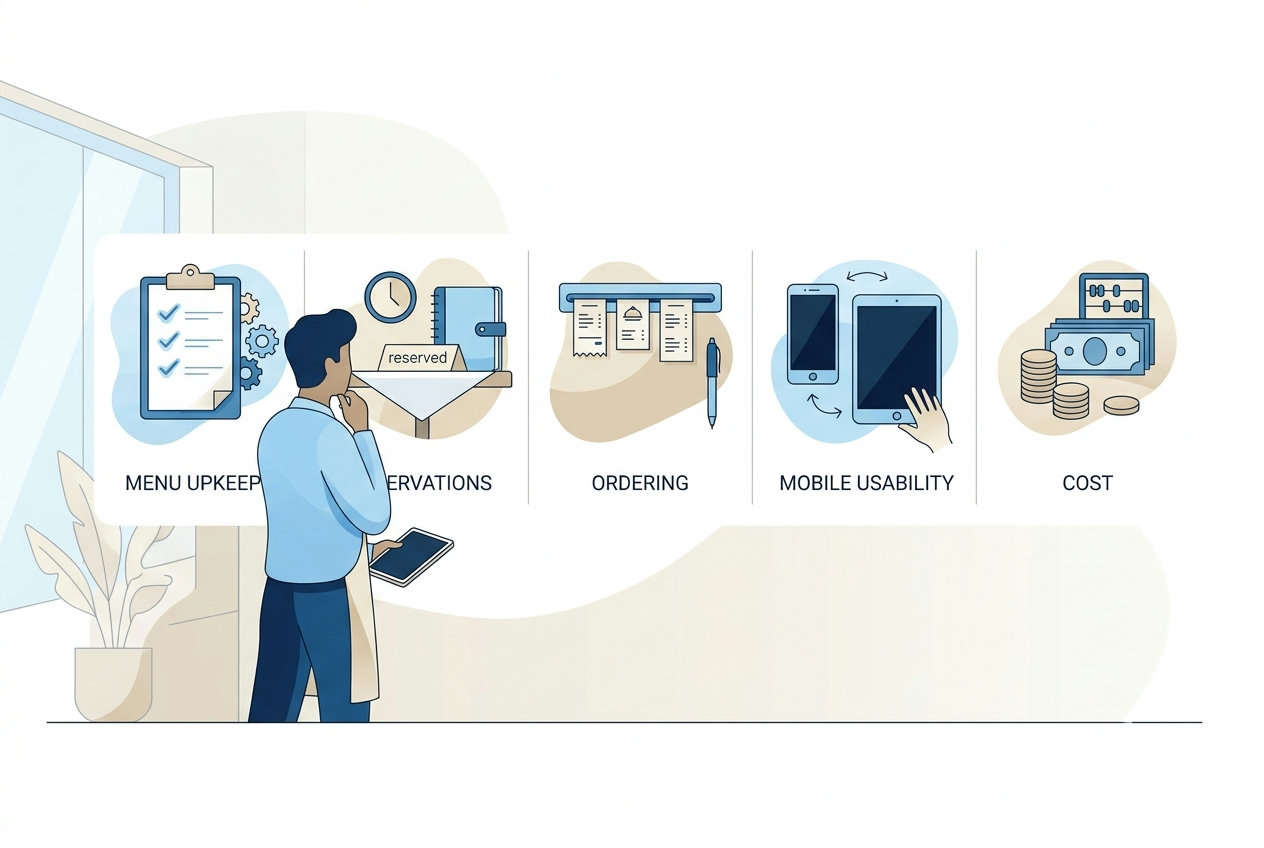
A theme shapes how a restaurant’s information is presented, but a visual design alone does not tell you whether the setup covers daily work. Write down the jobs you need the website to handle, then compare each option against the same checklist.
- Menu upkeep: Can you present dishes clearly, including descriptions, prices, photos, and allergen information? Consider how often you change dishes and who will maintain the menu.
- Reservations: Decide whether guests need to request or make table reservations through the website. Establish how phone and walk-in reservations should be managed alongside online requests.
- Ordering: If you take pickup or delivery orders, identify what ordering and payment steps need to be available. Do not assume a theme includes these functions unless its source says so.
- Mobile and visual fit: Review the site on a phone, including the menu and contact information. Decide whether the layout gives food photography and your restaurant’s identity the right amount of space.
- Editing and ownership: Compare how you would update text and images, and whether the workflow suits the person who will maintain the site.
- Budget and compatibility: Separate a theme’s stated price from any other costs you may incur. Check compatibility with the tools and services you expect to use.
| Product | May suit | Main features |
|---|---|---|
| MatrisAI | Restaurants comparing website and operating needs | Online menu, ordering, kitchen screen, and table reservations |
| Gutenify Restaurant | Owners comparing site editing approaches | Full Site Editing and block patterns; facts as of 2026-11-25 |
| Tove | Owners comparing prebuilt editing patterns | More than 40 patterns and Full Site Editing; facts as of 2026-11-25 |
| Rosa2 | Owners comparing ready-made page templates | Menu, booking, gallery, and blog templates; online store compatibility; facts as of 2026-11-25 |
| Restaurantz | Owners comparing page-builder and menu compatibility | Page-builder and food-menu tool compatibility; facts as of 2026-11-25 |
| Delicio | Owners comparing reservations and store compatibility | Built-in reservation systems, page-builder and online store compatibility; annual price listed; facts as of 2026-11-25 |
Theme descriptions do not settle whether your whole workflow is covered. Treat the published points as a starting shortlist, then verify that each one maps to a task your restaurant actually needs.
MatrisAI
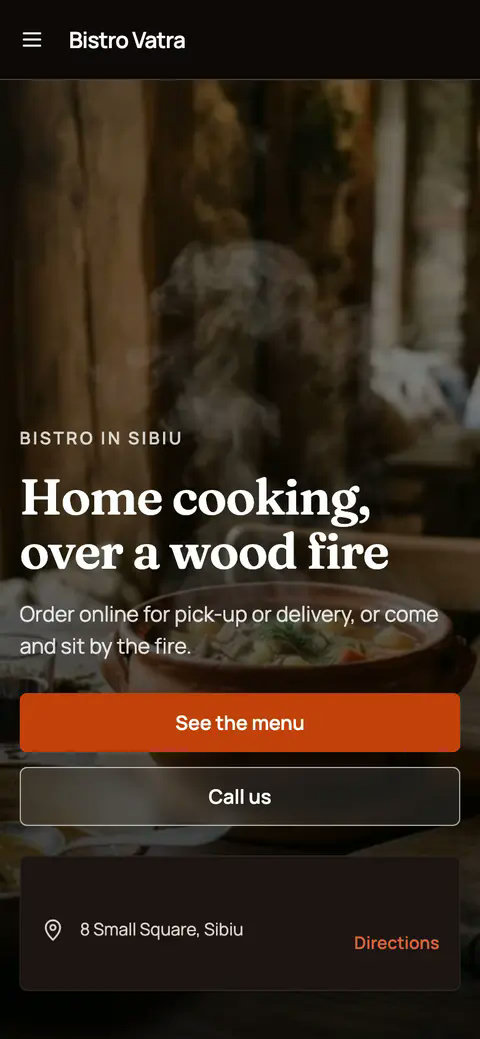
MatrisAI is our product, and we wrote this list. It is an option to consider if you want a restaurant website alongside menu, ordering, and table-reservation workflows. The owner describes the business in their own words, and MatrisAI builds the site from that description. You can begin working in the admin while the design is still being finished, then change the text, photos, and look of the site there.
The online menu can show dish photos, prices, and allergens. A dish can be marked sold out, which stops the site from taking orders for it. Customers can order for pickup or delivery in the area the restaurant sets, either now or for later. Orders appear on a kitchen screen in the admin, from new to ready. Customers can pay by card online, or pay on pickup or delivery when the restaurant allows it.
Table reservations can be switched on, with guests shown times permitted by seat availability and opening hours. Reservations taken by phone or at the door can be added to the same list and count against the seats. Card payments go to the business’s own payment account, which pays out to its bank. The business can use its own domain on every plan, and the plan can be cancelled at any time from the billing page.
Pros
- Menu, ordering, kitchen-screen, and reservation details are available to compare against a restaurant’s day-to-day needs.
- The owner can edit the site from the admin after the initial description-based build.
Cons
- The owner needs to describe the business in their own words to start the site build.
Every plan starts with a free trial, and no card is asked for at sign-up or to start the trial. For plan prices, compare $10, $24, and $59 on the MatrisAI pricing page; the trial duration is shown as 3.
Gutenify Restaurant
The comparison table gives the supplied source’s specific editing details. Use them as a prompt to assess how you prefer to build and maintain pages, rather than as evidence that menu, reservation, or ordering workflows are included. Your shortlist should reflect the restaurant’s actual tasks, not just the editing terminology.
Pros
- The source-backed editing details in the table offer a concrete point to compare with your preferred site-building workflow.
Cons
- Keep separate checks for menu upkeep, reservations, ordering, pricing, and support; the comparison entry is not a complete specification.
Tove
Use the sourced details in the table to decide whether its stated editing approach belongs on your shortlist. Then check your own required tasks independently. A theme’s editing features and a restaurant’s operational needs are separate questions, so write down what a guest needs to do on the site before settling on a design.
Pros
- The comparison table records a specific, source-backed editing detail that you can weigh against your workflow.
Cons
- The stated comparison point does not by itself answer whether your menu, reservation, or ordering requirements are covered.
Rosa2
Consider the template and compatibility details in the table against the pages your restaurant needs. Think through the guest journey: a visitor might need to understand the restaurant, browse dishes, find reservation information, and locate practical details. Check each page and function rather than assuming one template description covers the complete site.
Pros
- The table identifies several page types and a compatibility detail to compare with your planned site.
Cons
- Plan separate checks for mobile usability, menu updates, and any functions not covered by the listed details.
Restaurantz
Use the listed builder and menu compatibility as checkpoints if those are relevant to your setup. Before choosing, identify the exact functions you expect from the theme and any additional tools. Confirm that the combination works for your intended menu and guest journey, and check current compatibility information as part of your own review.
Pros
- The table includes two named compatibility points that can guide a focused review of your setup.
Cons
- Compatibility details alone do not confirm that reservations, ordering, or other required tasks are covered.
Delicio
The table summarizes the features and annual-price listing stated in the supplied source, without repeating a numeric amount. Compare that information with your budget and the functions you need, then confirm the current terms before committing. Do not treat compatibility with a named tool as proof that your full restaurant workflow is ready.
Pros
- The supplied comparison point names reservation systems and compatibility details you can evaluate against your requirements.
Cons
- The listed details are not a full statement of costs, support, or every function your restaurant may need.
How to Choose the Right Option for Your Restaurant
Choose by starting with the most important job the website needs to do. A restaurant focused on clear menu presentation may have different priorities from one that needs guests to reserve tables or place pickup and delivery orders. A highly visual site may matter most to another owner. Write down those priorities before comparing designs.
- List your must-haves. Include menu information, photos, prices, allergens, reservations, ordering, payment choices, and the way staff will manage changes.
- Mark what each source actually confirms. Use the comparison table for documented details. Keep unknowns as questions, not assumptions.
- Review the guest experience on a phone. Check the pages a guest would use, including how they find the menu and the next step they need.
- Plan menu maintenance. Decide who updates dishes, prices, photos, and availability when the menu changes.
- Check cost and compatibility. Compare stated pricing and terms, and verify that any required tools work with the setup you choose.
- Choose a manageable workflow. Consider who will edit the site and how often. A design that looks right still needs a practical upkeep plan.
With MatrisAI, start by describing the restaurant in your own words. You can work in the admin while the design is being finished, then update site text, photos, and appearance there. If you use its restaurant functions, decide whether to publish a menu, mark sold-out dishes, take pickup or local delivery orders, and switch on table reservations. Set the delivery area and decide which payment choices to allow. Phone and door reservations can be entered in the same reservation list and count against available seats.
Before settling on any option, compare the tasks you listed with the verified details available for it. If a feature, price, support term, or compatibility point is not established in the supplied information, leave it as an open question and verify it before making your decision.
- Can guests read the menu and key restaurant information on a phone?
- Can the site support the reservation or ordering process you intend to offer?
- Who will keep menu details and availability current?
- Are the price, terms, and compatibility details clear to you?
- Does the editing workflow fit the time and skills available to your team?
Restaurant Website Theme Questions
What features should a restaurant theme have?
Compare menu presentation and upkeep, mobile usability, reservations, ordering needs, editing workflow, compatibility, and stated costs.
Do restaurant themes include reservation or online ordering systems?
Some supplied theme claims mention reservations or bookings, but do not assume a theme includes every reservation or ordering function. Check its published details.
Are free restaurant themes suitable for a small business?
They may suit an owner whose needs match their documented features and who is comfortable with the editing and setup involved. Compare current terms and compatibility.
How should a restaurant choose a theme for its menu and brand?
List the menu information and pages you need, review them on a phone, and compare the published editing and design details with your upkeep plan.
Your restaurant, online in a few minutes.
Tell us its name. We do the rest.
3 days free, then from €10 a month. Cancel any time.
Related articles
How to Choose an Online Booking System for a Small Business
Compare booking software by services, team schedules, payments, and customer experience. Use this checklist to plan your online appointments.
Online Food Ordering for Restaurants: 7 Options Compared
Explore seven restaurant ordering options. Melbourne vendor-presence figures are a research starting point, not a measure of performance.
Scheduling Software for Service Businesses: 7 Options
Compare appointment booking, field-job dispatch, and staff scheduling needs before choosing a tool for your service business.